Ask first.
Then teach.
Then ask again.
Pollflow is a slide deck your room answers on their phones. A question before each explanation, so they guess and care. Slides the audience builds with you. The same question again at the end, and everyone sees how far they came.
No sign-up to try it. The audience needs no app and no account. Nobody is charged per person.
Five things that stick beat a hundred that do not
A talk that says everything leaves almost nothing. Pollflow is built around the order that makes people remember: a question they get wrong, the explanation, then the question again.
Ask
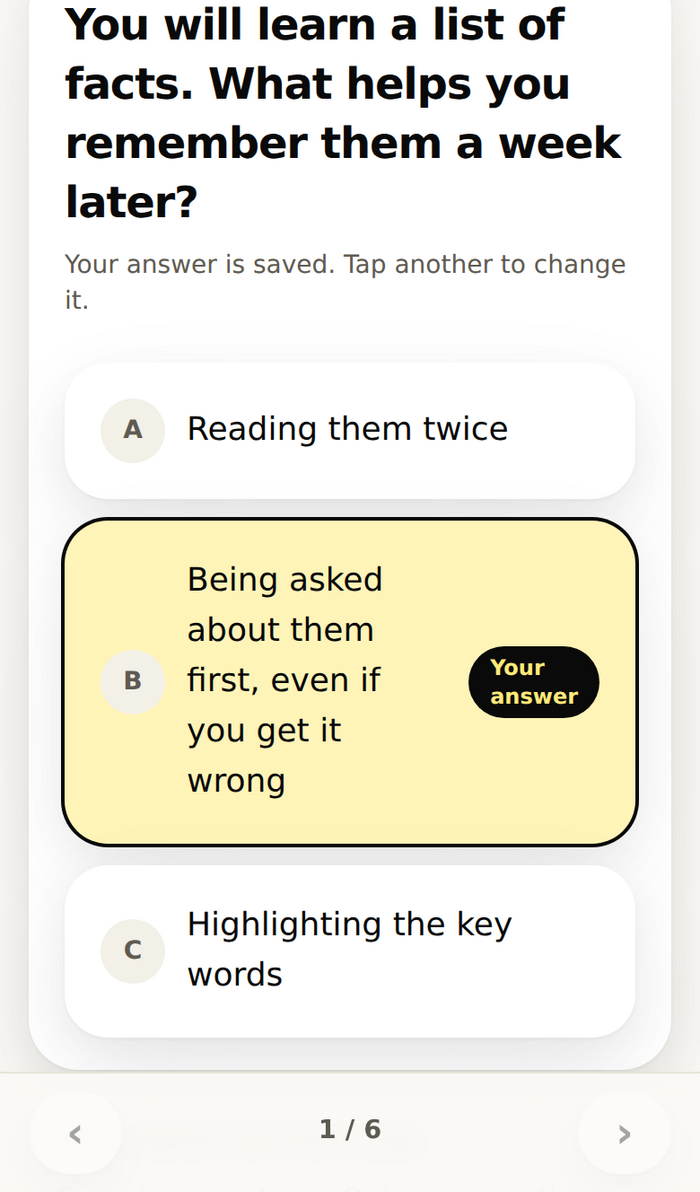
A question before you explain anything. Every phone answers; the screen counts them as they come in, and nobody sees who answered what.
Teach
Slides in Markdown with pictures and their sources. Every phone follows your slide, and each person writes their own notes on it.
Build
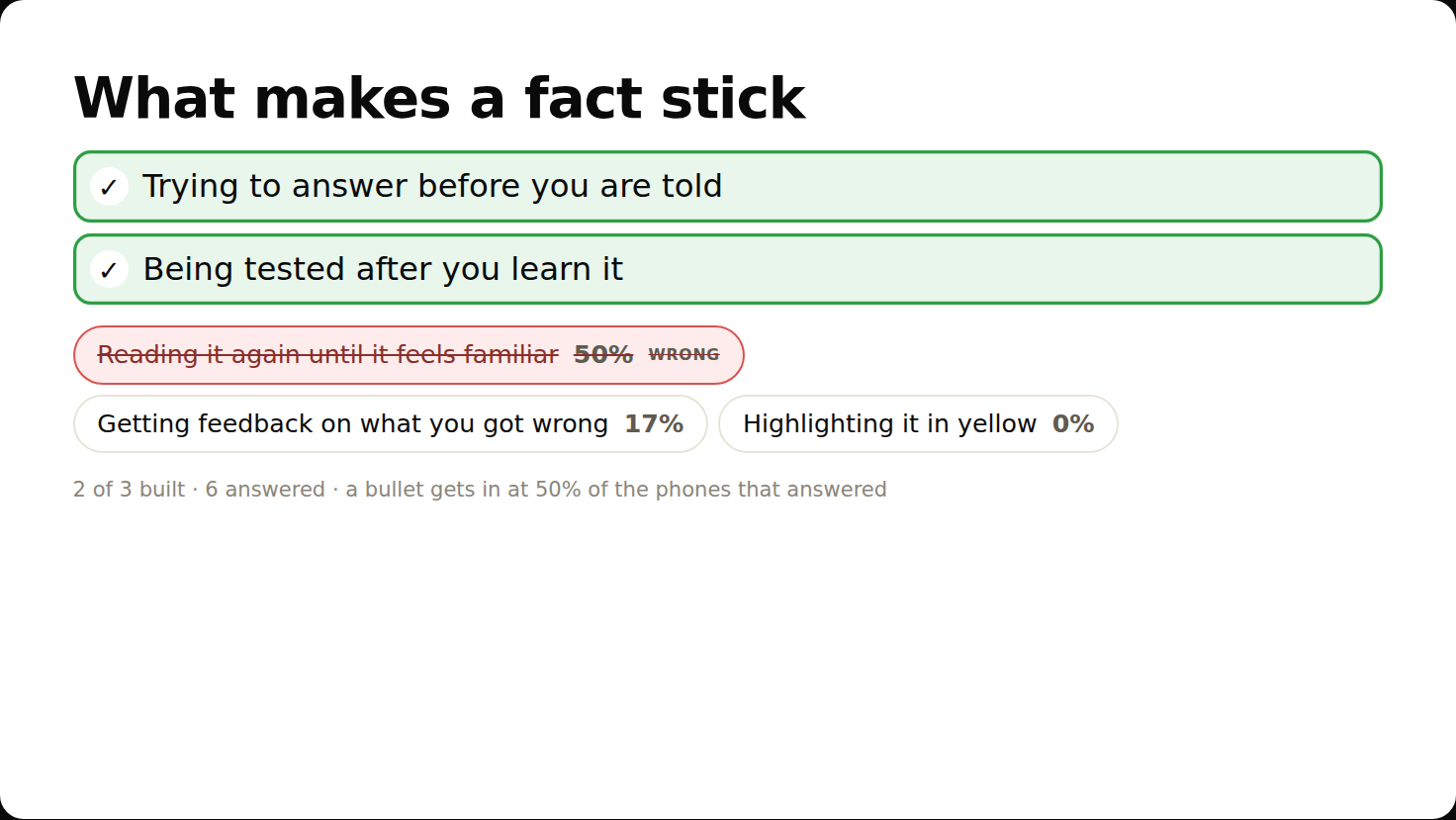
The room builds the slide: they pick the bullets that belong, or put the steps in order. A wrong pick stays out, struck through for all to see.
Ask again
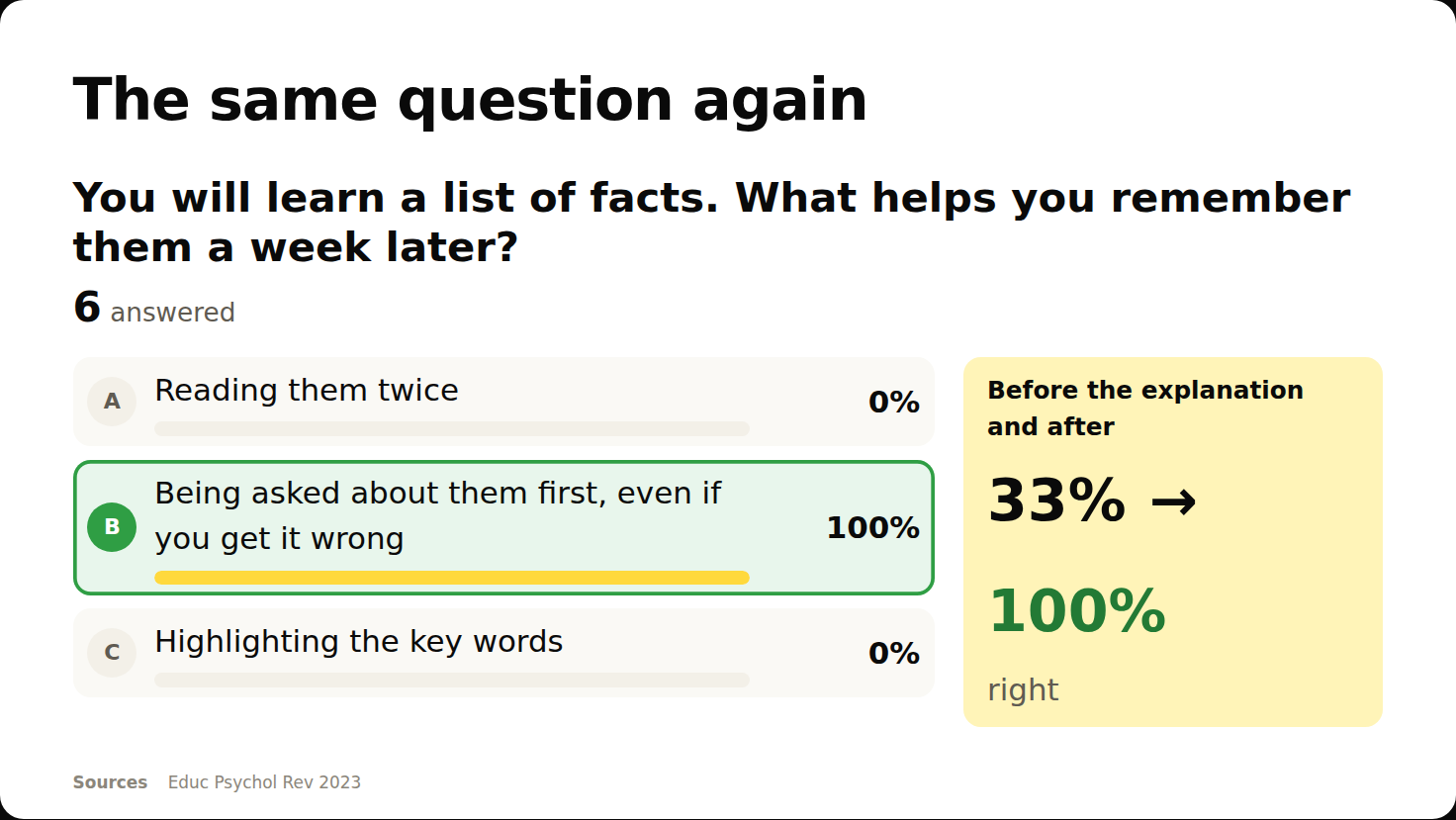
The same question once more. The screen shows before and after, 62% to 94% right, and each person sees their own.
The room sees itself learn
Link a question to an earlier one and the reveal shows both: how many had it right before the explanation, how many after. Play it as teams, residents against attendings, and each team's score is the average share right, so a bigger team does not win by numbers.
Everyone leaves with the talk in their pocket
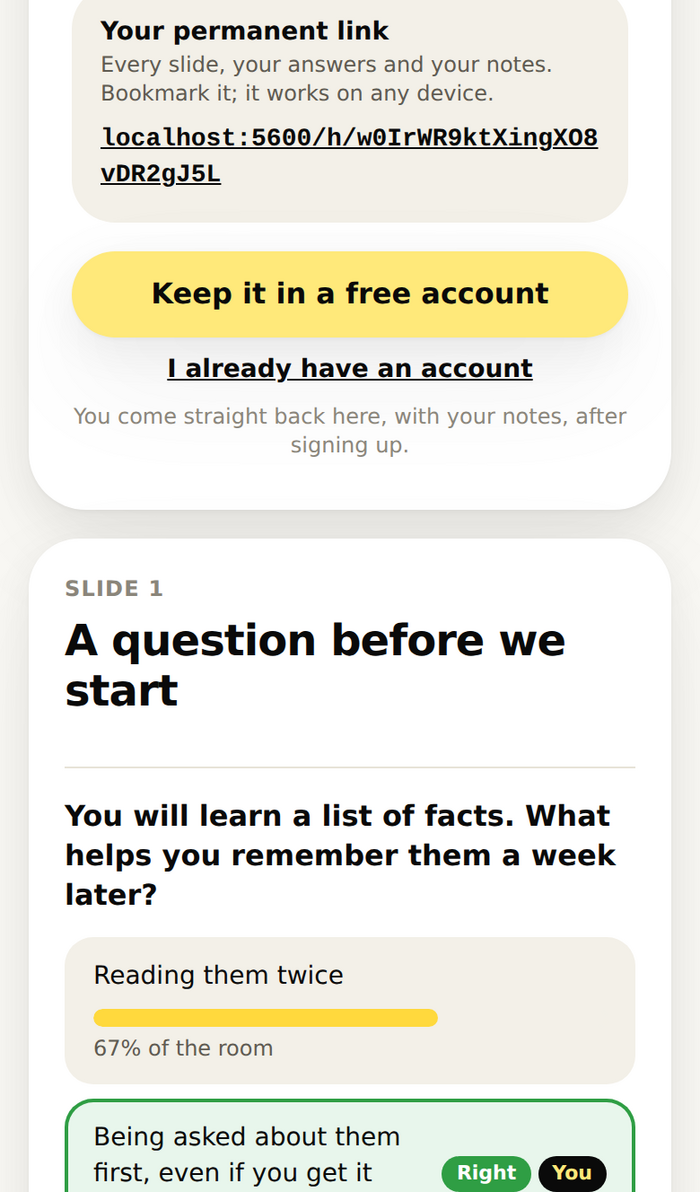
- A permanent link to their own copy: every slide, every question, what they answered, the right answer, their notes, every source to read later.
- A free account keeps it for them, and signing up never loses their place: they come straight back to the talk with their notes.
- A pseudonym is all they type. Their initials show in a circle; their answers never show with it.
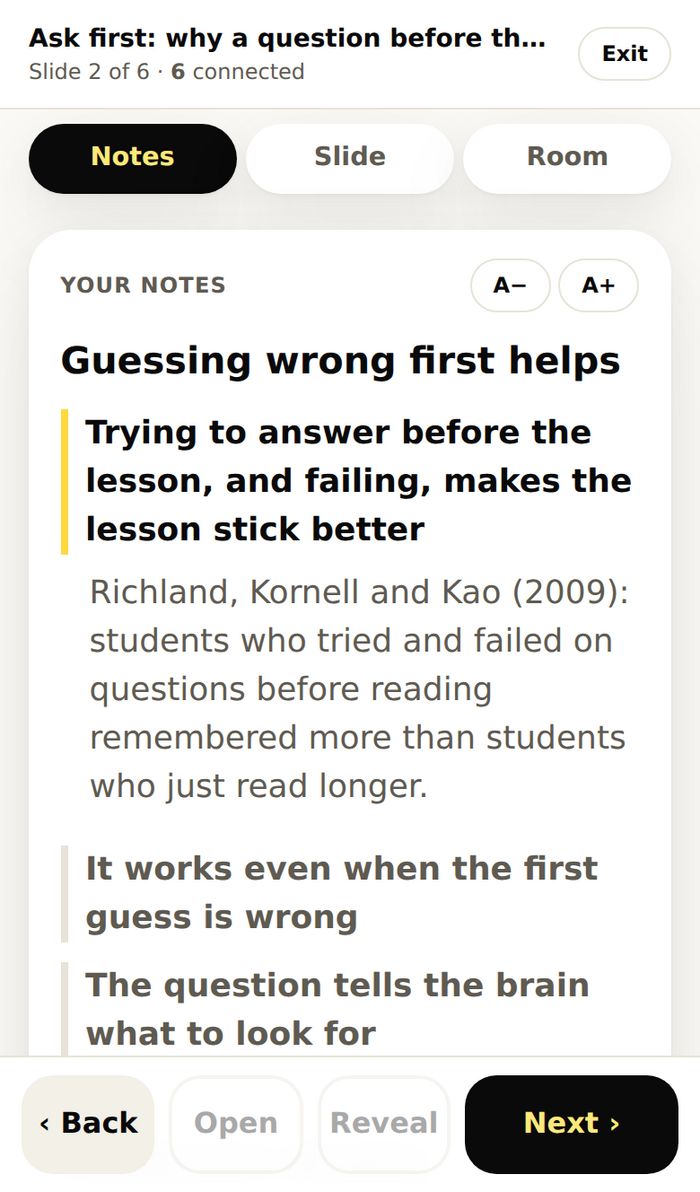
Present from your phone, with your notes
- Signed in on your phone, you hold the remote: next, open the question, reveal, and your notes under every bullet, in the size you can read.
- On a shared computer you cannot sign in to, type a seven-letter present link. It controls that one talk only, leaves no cookie, and you switch it off from your phone in one tap.
- A clicker works: it sends Page Down, and every phone follows.
- Write the talk in the editor, or as one Markdown file, with an AI assistant if you like, and import it whole.
Pricing
Free
3 presentations, every kind of question and build, teams, your phone as the remote. The audience is free on every plan, with no per-person charge.
Create a free accountPro, $14.99 a month to start
50 cents less every month you stay, down to $8.99. No limit on presentations, every session's results kept for good, CSV and reports. Cancel whenever.
See ProQuestions
Does the audience need an app or an account?
No. They scan the code or type the six digits, pick a name, and follow. An account is only for keeping the talk, and it is free.
Can people see who answered what?
No. The screen shows counts and charts only, never names, so nobody is swayed by who said what. Your session's results show counts too.
What if my company's network blocks a new address?
The same app answers at pollflow.nttie.com, an older address that more networks let through. Everything works there: joining, signing in, presenting.
What happens if my laptop drops off the wifi?
Nothing changes for the room. The slide stays, an open question stays open, notes keep saving. When your screen or phone reconnects, it is on the same slide.
Can I write a talk with an AI assistant?
Yes. A whole presentation is one Markdown file: slides, pictures, questions, builds, notes and sources. Import it in the app, or let a script send it with your account's import token.